Disclosure: This article may contain affiliate links. If you purchase through our links, we may earn a commission at no extra cost to you. We only recommend products we genuinely believe provide value.
How to Repurpose YouTube Videos for TikTok Without Looking Recycled.
S
By signorw2020@gmail.com May 5, 20269 min readYouTube Monetization
You already did the hard part. You filmed, edited, and published a YouTube video with something worth saying. Then TikTok asks for the same idea in a different language, faster, tighter, and built for a phone screen.
That shift trips up a lot of creators. A YouTube clip can carry weight, but TikTok wants speed and shape. Repurposing YouTube videos for TikTok works best when you reshape the message, not when you drag and drop the old file.
The good news is that the process is simple once you see it clearly. Start with the right moment, trim it hard, frame it for vertical viewing, and post it with a caption that fits the feed.
Why a YouTube video does not work on TikTok without changes
A YouTube video often opens like a walk into a room. TikTok opens like a moving sidewalk. If the first second feels slow, the viewer is gone.
That difference changes everything. On YouTube, people often arrive ready to watch. They clicked with intent. On TikTok, people are browsing. Your clip lands in the middle of a stream, shoulder to shoulder with jokes, hot takes, tutorials, and stories. It has to earn attention on contact.
This quick comparison makes the gap clear:
Platform
Viewer mindset
Best pacing
Best format
YouTube
Willing to settle in
Slower build is fine
Horizontal or long-form friendly
TikTok
Scrolling fast
Immediate hook, quick payoff
Vertical, mobile-first
The takeaway is simple: copying and pasting usually weakens the clip. It feels borrowed. TikTok users can sense that right away, even if they can’t name why.
What TikTok viewers expect in the first few seconds
The opening needs a reason to stay. That reason can be a promise, a surprise, a useful claim, or a sharp visual. What it can’t be is a slow runway.
Strong hooks often sound like this: “This is why your videos look flat,” or “I wasted six months doing this wrong.” A clear before-and-after shot also works. So does a moment of tension, like a mistake unfolding or a bold opinion landing early.
If the value arrives at second eight, many viewers will never see it.
Clean visuals matter too. If the frame is cluttered or the crop is awkward, the message feels harder to follow. People decide fast whether a clip feels easy to watch.
Why vertical video and tighter pacing matter
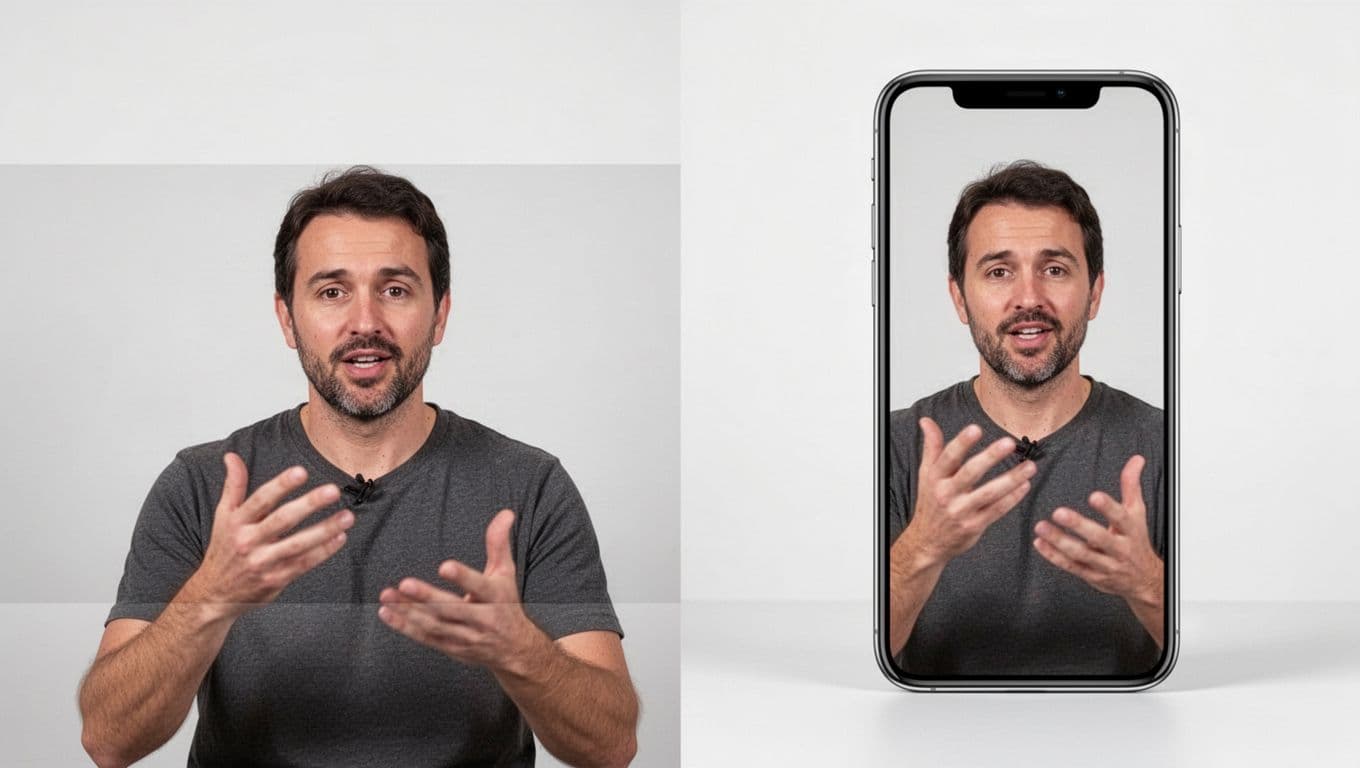
TikTok is built for 9:16 video because phones are vertical in real life. A horizontal YouTube clip shrunk into that space often looks distant, boxed in, or badly cropped.
Pacing matters just as much. YouTube gives you more room to warm up. TikTok rewards clips that move like a clear thought, not a winding explanation. That means cutting filler words, trimming pauses, and pulling the payoff closer to the front.
When you crop, keep an eye on faces, hands, products, and any text on screen. TikTok’s interface covers parts of the frame, so important details near the edges can vanish under buttons and captions. A good crop doesn’t only fit the screen. It protects the message.
Pick the right YouTube clips before you edit anything
Most long videos contain only a few moments that can live on their own. Those moments are your gold. The rest is setup, pacing, context, or tone that works on YouTube but fades on TikTok.
A good TikTok clip usually has one sharp idea. It teaches one thing, solves one small problem, shares one story beat, or delivers one strong opinion. That clarity matters because people need to understand the point fast, often before the clip is even halfway done.
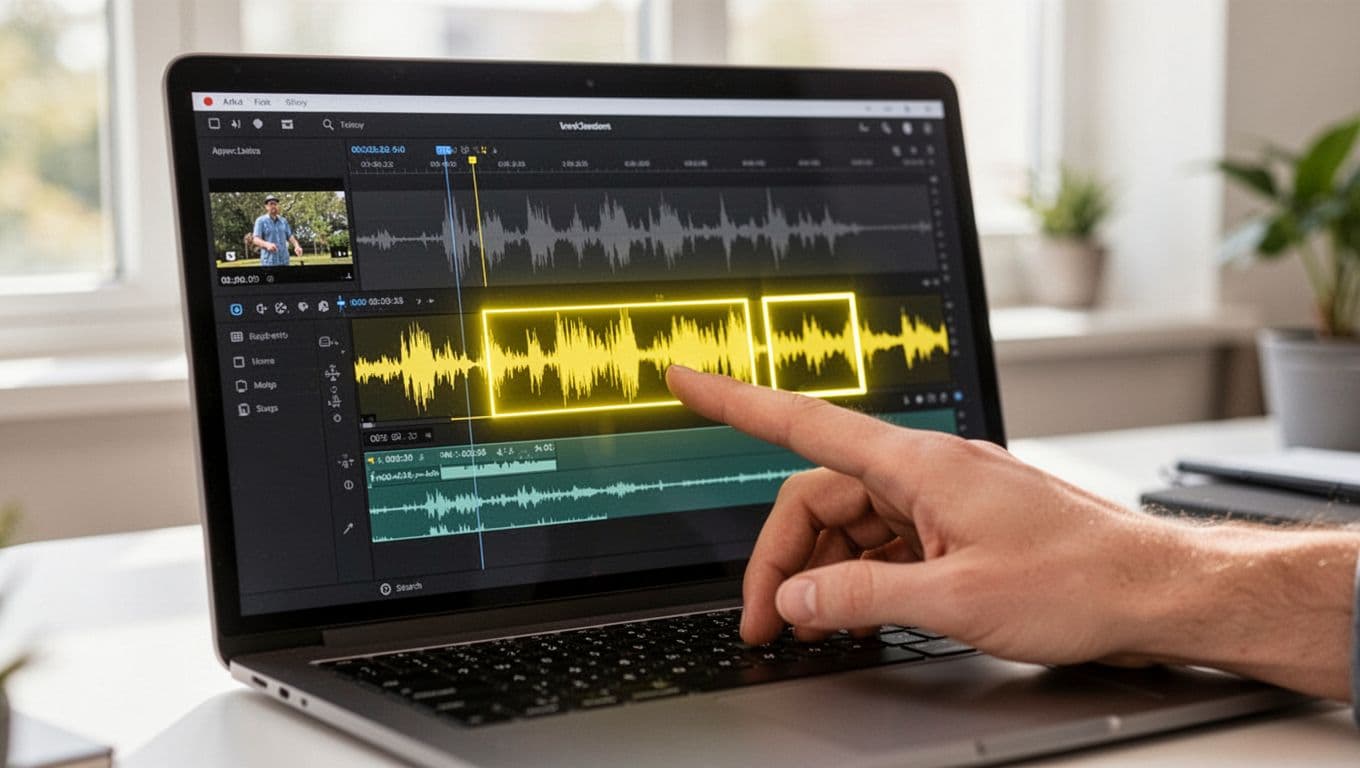
Look through your YouTube video with fresh eyes. Search for moments where energy rises. Watch for a line that makes someone lean in, a mistake that reveals a lesson, or a result that lands cleanly. Helpful tips, surprising facts, emotional turns, and blunt truths all tend to travel well.
Because TikTok is also becoming more search-driven, it helps when the spoken words and on-screen text match the topic. If your clip is about camera lighting, say “camera lighting” out loud early. That gives both viewers and the platform a clearer signal.
Look for moments with a clear point or payoff
Pick sections that make sense in isolation. A 25-second answer to one problem is usually stronger than a 60-second chunk that tries to carry a whole chapter.
For example, a long YouTube tutorial on podcast gear might contain one standout clip: “The mic mistake that makes your room sound echoey.” That idea can stand alone. It has tension, a clear topic, and a built-in payoff.
Short-form content needs that self-contained shape. The viewer should understand the setup and the reward without homework.
Avoid clips that need too much setup
Some moments only work because the full video prepared the ground. Inside jokes, slow intros, layered stories, and complex demos often lose people before the point lands.
If a clip needs 20 seconds of context, it probably isn’t the best choice. Save those for YouTube. On TikTok, favor scenes that still make sense to someone who has never seen your channel before.
That filter helps more than any editing trick. A weak clip won’t become strong because you added captions. A strong clip already has a pulse before you touch the timeline.
Edit the clip so it feels made for TikTok
Editing is where a borrowed moment becomes native to the platform. This part is less about polish and more about clarity. The clip should feel easy to watch on a small screen, with no wasted motion and no confusion about the point.
TikTok in 2026 still rewards fast hooks, creator-led delivery, and strong educational or emotional value. Over-produced clips can work, but many viewers still prefer something that feels direct and human. Your edit should support that feeling, not sand it away.
Crop the frame without hiding the important parts
Start by reframing for vertical. Center the face if someone is speaking. If the value is in a hand movement, a product, or a demo, give that room too. Don’t assume the auto-crop gets it right.
Keep the main subject in the middle area where TikTok controls are less likely to cover it. If the original YouTube video had text on the sides, that text may disappear after cropping. In that case, rebuild the message with new on-screen text rather than hoping the old layout survives.
A good vertical crop feels intentional. It doesn’t look like a wide frame squeezed into a narrow coat.
Add captions, text, and visual cues that guide attention
A lot of TikTok viewing happens with low sound or no sound at all. Captions help people follow the message, but they also give the eye something to hold onto.
Keep captions readable and short. Break them into phrases, not giant blocks. Add a few lines of on-screen text that sharpen the point, such as “Bad framing” or “Watch this fix.” Those small cues act like signposts.
Don’t crowd the screen. Text should guide attention, not fight for it. Leave breathing room around the subject and avoid placing words where TikTok buttons will sit.
Cut the silence and speed up the delivery
Dead air feels longer on TikTok than it does anywhere else. A half-second pause, a long inhale, or a slow start can weaken a clip before the good part arrives.
Trim those spaces. Tighten the sentence gaps. Remove repeated phrases and throat-clearing lines. If the speaker says, “So today I want to talk about,” cut to the sentence that contains the point.
Pacing is part of the message. A tighter edit tells the viewer, “Your time matters.” That respect often shows up in watch time and replays.
Post each clip with a TikTok caption that fits the platform
The video does most of the work, but the caption shapes how people read it. It can spark comments, build curiosity, or point viewers to the full YouTube video. What it shouldn’t do is copy the YouTube title word for word.
TikTok captions work best when they sound like a real person talking in the feed. Short lines often win because they leave room for interest. You want enough detail to frame the clip, but not so much that the caption does all the talking.
Write for curiosity, not just keywords
Keywords still matter because TikTok indexes audio, text, and captions. Still, keyword stuffing reads like cardboard. Use the topic naturally and give the viewer a reason to care.
A weak caption might say, “How to edit YouTube video for TikTok 2026 tips.” A stronger one might say, “This one edit made my old YouTube clips watchable on TikTok.” The second line still hints at the topic, but it feels human.
Curiosity works best when it opens a door without hiding the room. Tease the value, then let the video deliver.
Match the caption to the goal of the clip
Every post should have a job. Some clips aim for reach. Others aim for comments, follows, or clicks back to a longer YouTube video.
If the goal is comments, invite a reaction: “Would you keep this intro or cut it?” If the goal is follows, connect the clip to a wider theme: “I post simple editing fixes every week.” If the goal is traffic, point to the full version without sounding desperate: “The full breakdown is on my channel.”
That match between clip and caption keeps the post honest. It also makes the call to action feel natural.
Use the right tools to speed up repurposing
Tools help, but workflow matters more. A fast app can’t rescue weak clip selection, and fancy automation can’t fix sloppy framing. Still, the right stack can save hours every month.
Popular options include CapCut for hands-on editing, Captions for quick subtitle workflows, and Repurpose.io for distributing finished clips across platforms. Newer AI-heavy tools also promise instant short-form cuts from long videos. Some are useful. Some still need a human eye.
Choose between manual editing and automation
Manual editing gives you control. You decide where the hook starts, what gets cut, and how the frame moves. That’s usually best when your content depends on timing, humor, or precise teaching.
Automation saves time when you publish at volume. It can spot likely highlights, format clips vertically, and speed up caption work. That helps if you’re turning one long video into several short posts each week.
Use the choice that fits your workload. If you publish a few careful clips, manual editing may be enough. If you’re managing a steady content engine, automation can remove the repetitive parts.
Set up a repeatable workflow for new uploads
Keep the process simple enough that you’ll use it again. After each YouTube upload, mark two or three strong moments. Then edit those into short vertical clips, add captions, write platform-native TikTok captions, and schedule or post them while the topic is still fresh.
A repeatable rhythm beats a heroic burst of effort. When the steps stay consistent, your clips look more polished and your backlog stops turning into dust.
Conclusion
The best TikTok clips don’t feel recycled. They feel rebuilt for the feed, even when they started life on YouTube.
That shift comes from better choices, not more effort. Pick one moment with a clear payoff, cut it tighter than feels comfortable, and shape it for vertical viewing. Then post it with a caption that sounds native to TikTok.
Start with one strong YouTube video today. Find one clean clip, turn it into one test post, and watch how much better it performs when it feels made for the scroll.
I created DFY Income Lab to provide honest, practical guides on building online income. Every article is written from research and real experience. Read more →








Leave a Comment